
使用 GSAP MotionPath 创建缩略图流动动画
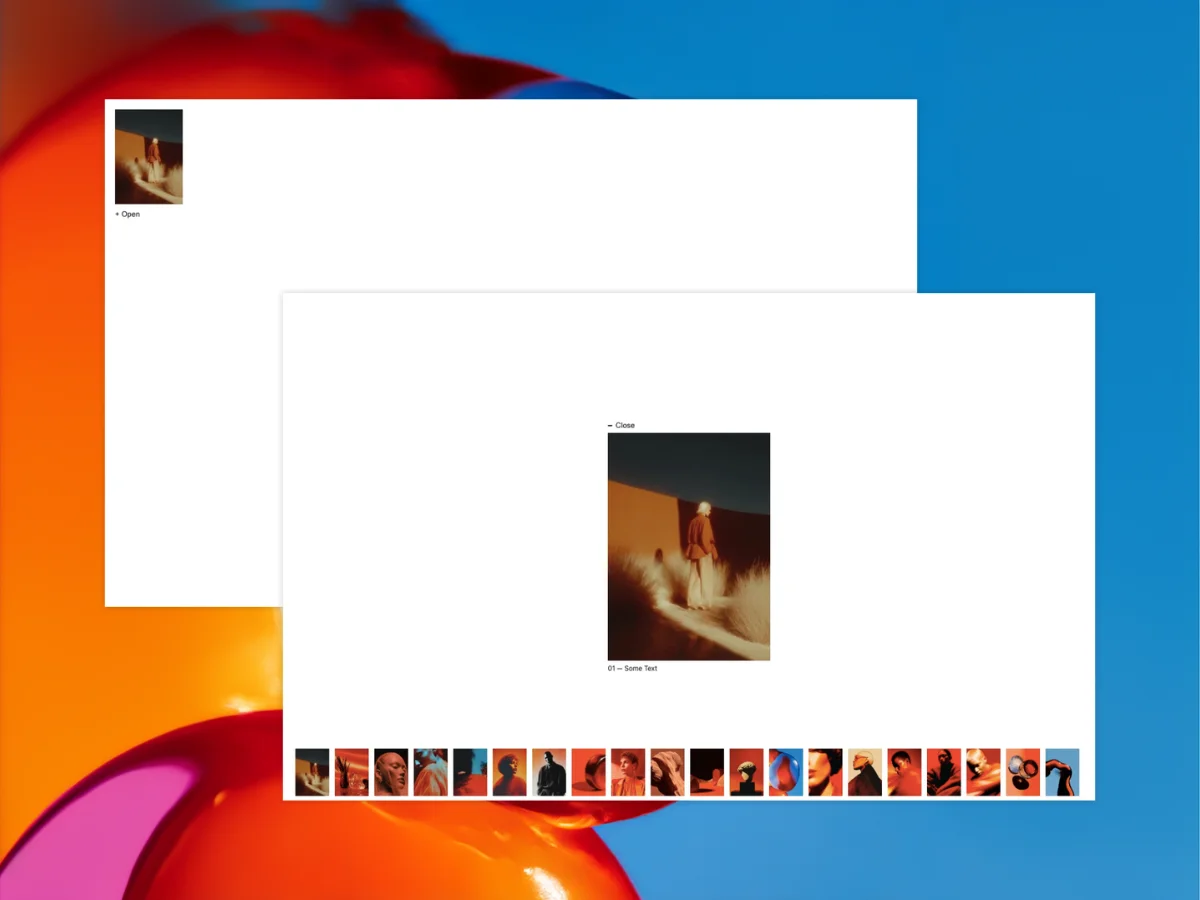
This experiment was inspired by a motion study shared by Rron Berisha. While recreating the idea for the web, I became interested in how GSAP’s MotionPath plugin could be used to create fluid transitions between different gallery states using only a few control points.
这个实验的灵感来源于 Rron Berisha 分享的一项运动研究。在将这一理念重构到 Web 端的过程中,我对如何使用 GSAP 的 MotionPath 插件仅通过几个控制点来创建不同画廊状态之间的流畅过渡产生了兴趣。
In this tutorial, we’ll build a simple proof-of-concept image gallery where a stack of overlapping thumbnails expands into a vertical image strip that reveals a featured image. The gallery itself isn’t intended to be fully functional. Instead, the goal is to explore how a small amount of motion-path logic can create a surprisingly organic transition.
在本教程中,我们将构建一个简单的概念验证图片画廊,其中一叠重叠的缩略图会展开成一个垂直的图片条,从而显示出一张特色图片。这个画廊本身并不打算实现完整的功能。相反,我们的目标是探索少量的运动路径逻辑如何创造出令人惊讶的自然过渡效果。
The effect relies on GSAP’s MotionPath plugin, allowing each thumbnail to follow a curved trajectory rather than moving directly from one position to another. By defining only a couple of points per image, we can create motion that feels much more dynamic than a standard position tween.
该效果依赖于 GSAP 的 MotionPath 插件,允许每个缩略图沿着曲线轨迹移动,而不是直接从一个位置平移到另一个位置。通过为每张图像仅定义几个点,我们可以创造出比标准位置 tween 更具动感的运动效果。
HTML Structure
HTML 结构
The HTML is intentionally minimal. We have an open button, a featured image container, and a collection of thumbnail elements.
HTML 结构被刻意保持极简。我们有一个打开按钮、一个特色图片容器以及一组缩略图元素。
Each thumbnail contains an image and a numeric label. Initially, all thumbnails sit on top of one another, forming a compact stack. Once the interaction is triggered, they spread into a vertical strip positioned beside the featured image.
每个缩略图包含一张图片和一个数字标签。最初,所有缩略图相互重叠,形成一个紧凑的堆叠。一旦触发交互,它们就会展开成位于特色图片旁边的垂直条带。
<button class="open__btn">+ Open</button>

<div class="big__featured__container">
  <button class="close__btn">Close</button>
</div>

<div class="thumbnail">
  <p class="number">01</p>
  <div class="thumbnail__image">
    <img src="./public/img-1.webp" alt="" />
  </div>
</div>