
More Easy Light-Dark Mode Switching: light-dark() is about to support images!
Back in 2023, I wrote about the future of CSS color switching using the then-novel light-dark() function. It was a game-changer for colors, allowing us to ditch the repetitive @media (prefers-color-scheme: ...) blocks for simple property declarations.
But there was one glaring limitation: it only works for colors. If you wanted to swap out a background image, a mask, or a logo based on the user’s color scheme, you were stuck doing things the “old” way.
Well, I have good news. The spec has been updated, and light-dark() is being extended to support images.
~
The Missing Piece
As a recap, in CSS, you have to write something like this if you want to set background-images for light and dark mode:
:root {
  --bg-image: url(light-pattern.png);
}

@media (prefers-color-scheme: dark) {
  :root {
    --bg-image: url(dark-pattern.png);
  }
}

.element {
  background-image: var(--bg-image);
}
This code has downsides: The necessary parts can be scattered all over the place and it only checks the global color-scheme preference without respecting local color-scheme overrides done with the color-scheme CSS property.
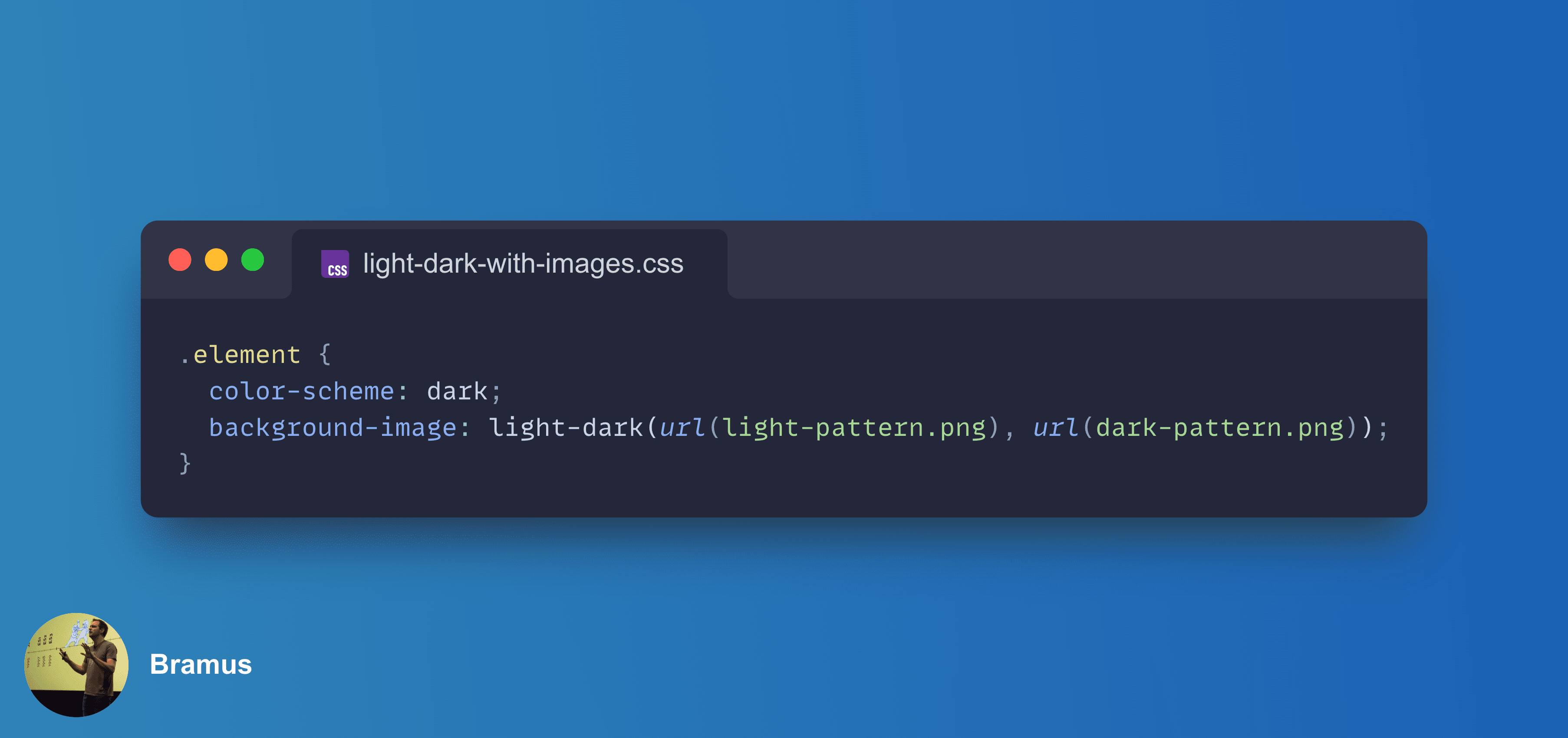
Thanks CSS light-dark() we can keep our code closely together, and can respond to the local used color-scheme value. In it’s updated form – in which light-dark() now also supports <image> values – that whole block can be collapsed into a single rule, and we can make it respect local color-scheme overrides:
.element {
  color-scheme: dark;
  background-image: light-dark(url(light-pattern.png), url(dark-pattern.png));
}
Sweet!
Note that you must pass in either two <color> values or two <image> values as arguments to light-dark() … you can’t mix the types — see further down for an explanation why that is.
~
Browser Support
💡 Although this post was originally published in March 2026, the section below is constantly being updated. Last update: March 20, 2026.
It’s early days, but the engines are already moving:
Chromium (Blink)
👨🔬 Available in Chromium 148.0.7742.0 or newer behind the Experimental Web Platform Features flag (chrome://flags/#enable-experimental-web-platform-features).
No word yet on which stable version will ship it by default. The paperwork is in progress. Subscribe to CrBug #491829958 for updates.
Firefox (Gecko)
✅ Supported in Firefox 150
Firefox 150 is expected to go stable on April 21, 2026
Safari (WebKit)
❌ No support
Subscribe to WebKit Bug #309689 for updates.
~
Feature Detection
If you want to start experimenting today while providing a fallback, you can use @supports. To detect support for images specifically, you can test it using linear-gradient() (which is treated as an <image> in CSS):
@supports (background-image: light-dark(linear-gradient(white, white), linear-gradient(black, black))) {
  /* Modern image-switching logic here */
}
You can see the code in action this CodePen:
~
What about non- and non- values?
Supporting non-<color> and non-<image> values still is an unanswered question (that probably won’t get solved). As explained in my original coverage, CSS can’t just simply accept light-dark() anywhere because the parser needs to know the value type of what it is parsing ahead of time.
Internally, light-dark() is about to be defined as having two internal variants – one that accepts <color>s and one that accepts <image>s:
light-dark() =  <light-dark-color> | <light-dark-image>
<light-dark-color> = light-dark(<color>, <color>)
<light-dark-image> = light-dark(<image>, <image>)
Each variant has limitations on where it can be used: the version that does colors is only accepted where <color>s are allowed, and the version that does images is only accepted where <image>s are allowed.
<color> = <color-base> | currentColor | <system-color> |
          <contrast-color()> | <device-cmyk()> | <light-dark-color>
<image> = <url> | <image()> | <image-set()> | <cross-fade()> |
          <element()> | <gradient> | <light-dark-image>
If more types of values needed to be supported, that would required many more internal variants.
This split into two variants allows the CSS parser to discard invalid declarations at parse time. That, in turn, explains why you can’t mix the types in the arguments. Say CSS were to accept a mix of <color> and <image>, then you would be able declare something like background: red light-dark(blue, url(dark.png));. With a dark color-scheme that declaration would end up being OK, but in a light color-scheme you’d end up with background: red blue which is invalid.
Looking ahead: @function + color-scheme() to the rescue!
In the future there will be an way to have non-<color> and non-<image> color-scheme-dependent values in the future: using a CSS Custom Function and color-scheme(). Go check out my previous post on implementing a custom --light-dark() function that works with any type of value for the details. It’s just 3 lines of code, which I’ve included here as well:
@function --light-dark(--l, --d) {
  result: if(color-scheme(dark): var(--d); else: var(--l));
}
To feature detect support for @function, check out @supports at-rule(). There currently is no easy way to detect support for color-scheme(), unless you want to jump through some hoops.
~