
iOS动画-扩散波纹效果
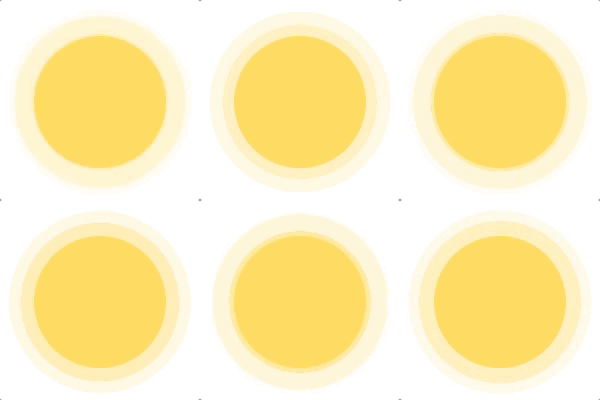
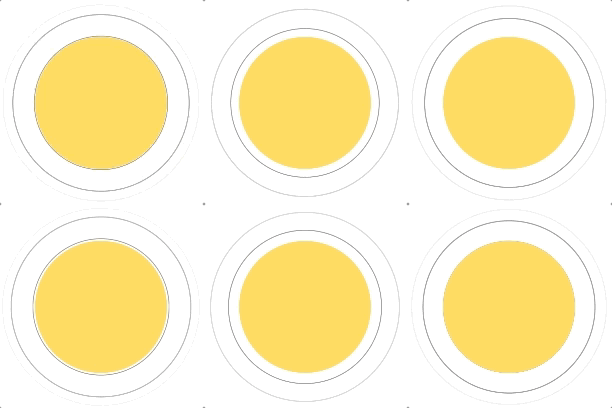
动画的表现形式是颜色以及大小的变化,整体效果可以看做多个单独的波纹效果的叠加。因此我们可以创建多个CALayer,分别赋予CABasicAnimation动画,组成最终的动画效果。
因此我们先从单个波纹扩散效果来尝试,然后根据时间差将效果叠加起来。
新建RippleAnimationView类,继承自UIView,设置扩散倍数,然后重写- (void)drawRect:(CGRect)rect方法,在方法内部新建承载动画的animationLayer。
 @interface RippleAnimationView : UIView /** 设置扩散倍数。默认1.423倍 */
@property (nonatomic, assign) CGFloat multiple; - (instancetype)initWithFrame:(CGRect)frame; @end @implementation RippleAnimationView - (instancetype)initWithFrame:(CGRect)frame { self = [super initWithFrame:frame]; if (self) { self.backgroundColor = [UIColor clearColor]; _multiple = 1.423; } return self;
} - (void)drawRect:(CGRect)rect { CALayer *animationLayer = [CALayer layer]; // 加入动画 [self.layer addSublayer:animationLayer];
} 复制代码

- (CABasicAnimation *)scaleAnimation { CABasicAnimation *scaleAnimation = [CABasicAnimation animationWithKeyPath:@"transform.scale"]; scaleAnimation.fromValue = @1; scaleAnimation.toValue = @(_multiple); scaleAnimation.beginTime = CACurrentMediaTime(); scaleAnimation.duration = 3; scaleAnimation.repeatCount = HUGE;// 重复次数设置为无限 return scaleAnimation;
} 复制代码
-
新建
CALayer,并在layer上加载动画。然后将这个Layer放在animationLayer上。- (void)drawRect:(CGRect)rect { CALayer *animationLayer = [CALayer layer]; // 新建缩放动画 CABasicAnimation *animation = [self scaleAnimation]; // 新建一个动画 Layer,将动画添加上去 CALayer *pulsingLayer = [self pulsingLayer:rect animation:animation]; //将动画 Layer 添加到 animationLayer [animationLayer addSublayer:pulsingLayer]; [self.layer addSublayer:animationLayer]; } - (CALayer *)pulsingLayer:(CGRect)rect animation:(CABasicAnimation *)animation { CALayer *pulsingLayer = [CALayer layer]; pulsingLayer.borderWidth = 0.5; pulsingLayer.borderColor = [UIColor blackColor].CGColor; pulsingLayer.frame = CGRectMake(0, 0, rect.size.width, rect.size.height); pulsingLayer.cornerRadius = rect.size.height / 2; [pulsingLayer addAnimation:animation forKey:@"plulsing"]; return pulsingLayer; } 复制代码
可以看看现在的效果是这样的
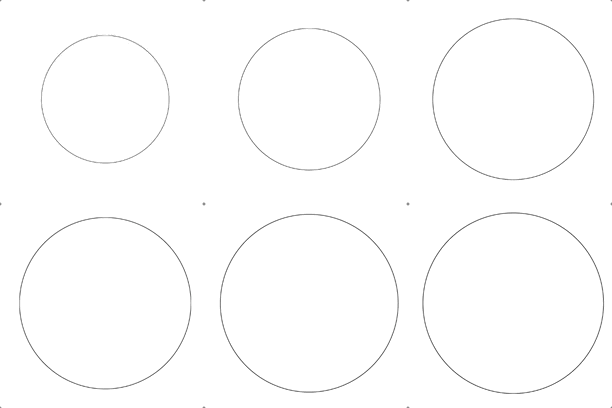
(ps: 除了改变背景色,还要设置并改变边框色的更主要原因是去除锯齿)
// 设置一个初始化颜色的宏 - (void)drawRect:(CGRect)rect { CALayer *animationLayer = [CALayer layer]; // 这里同时创建[缩放动画、背景色渐变、边框色渐变]三个简单动画 NSArray *animationArray = [self animationArray]; // 将三个动画合并为一个动画组 CAAnimationGroup *animationGroup = [self animationGroupAnimations:animationArray]; //修改方法,将原先添加的动画由“简单动画”改为“动画组” CALayer *pulsingLayer = [self pulsingLayer:rect animation:animationGroup]; //将动画 Layer 添加到 animationLayer [animationLayer addSublayer:pulsingLayer]; [self.layer addSublayer:animationLayer];
} - (NSArray *)animationArray { NSArray *animationArray = nil; CABasicAnimation *scaleAnimation = [self scaleAnimation]; CAKeyframeAnimation *borderColorAnimation = [self borderColorAnimation]; CAKeyframeAnimation *backgroundColorAnimation = [self backgroundColorAnimation]; animationArray = @[scaleAnimation, backgroundColorAnimation, borderColorAnimation]; return animationArray;
} - (CAAnimationGroup *)animationGroupAnimations:(NSArray *)array { CAAnimationGroup *animationGroup = [CAAnimationGroup animation]; animationGroup.beginTime = CACurrentMediaTime(); animationGroup.duration = 3; animationGroup.repeatCount = HUGE; animationGroup.animations = array; animationGroup.removedOnCompletion = NO; return animationGroup;
} - (CABasicAnimation *)scaleAnimation { CABasicAnimation *scaleAnimation = [CABasicAnimation animationWithKeyPath:@"transform.scale"]; scaleAnimation.fromValue = @1; scaleAnimation.toValue = @(_multiple); return scaleAnimation;
} // 使用关键帧动画,使得颜色动画不要那么的线性变化
- (CAKeyframeAnimation *)backgroundColorAnimation { CAKeyframeAnimation *backgroundColorAnimation = [CAKeyframeAnimation animation]; backgroundColorAnimation.keyPath = @"backgroundColor"; backgroundColorAnimation.values = @[(__bridge id)ColorWithAlpha(255, 216, 87, 0.5).CGColor, (__bridge id)ColorWithAlpha(255, 231, 152, 0.5).CGColor, (__bridge id)ColorWithAlpha(255, 241, 197, 0.5).CGColor, (__bridge id)ColorWithAlpha(255, 241, 197, 0).CGColor]; backgroundColorAnimation.keyTimes = @[@0.3,@0.6,@0.9,@1]; return backgroundColorAnimation;
} - (CAKeyframeAnimation *)borderColorAnimation { CAKeyframeAnimation *borderColorAnimation = [CAKeyframeAnimation animation]; borderColorAnimation.keyPath = @"borderColor"; borderColorAnimation.values = @[(__bridge id)ColorWithAlpha(255, 216, 87, 0.5).CGColor, (__bridge id)ColorWithAlpha(255, 231, 152, 0.5).CGColor, (__bridge id)ColorWithAlpha(255, 241, 197, 0.5).CGColor, (__bridge id)ColorWithAlpha(255, 241, 197, 0).CGColor]; borderColorAnimation.keyTimes = @[@0.3,@0.6,@0.9,@1]; return borderColorAnimation;
} - (CALayer *)pulsingLayer:(CGRect)rect animation:(CAAnimationGroup *)animationGroup { CALayer *pulsingLayer = [CALayer layer]; pulsingLayer.borderWidth = 0.5; pulsingLayer.borderColor = ColorWithAlpha(255, 216, 87, 0.5).CGColor; pulsingLayer.frame = CGRectMake(0, 0, rect.size.width, rect.size.height); pulsingLayer.cornerRadius = rect.size.height / 2; [pulsingLayer addAnimation:animationGroup forKey:@"plulsing"]; return pulsingLayer;
}
复制代码
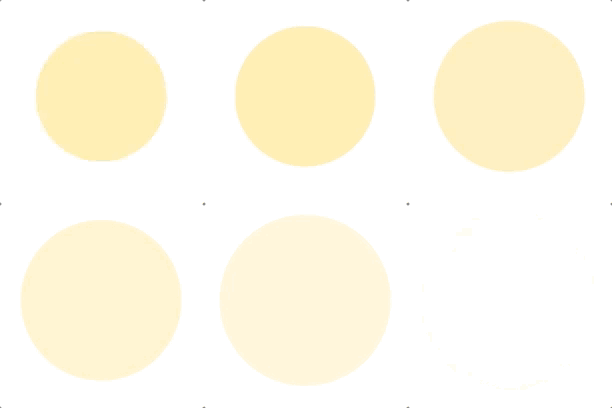
现在就有种渐变的感觉了
// 设置静态常量 pulsingCount ,表示 Layer 的数量
static NSInteger const pulsingCount = 3; // 设置静态常量 animationDuration ,表示动画时间
static double const animationDuration = 3; - (void)drawRect:(CGRect)rect { CALayer *animationLayer = [CALayer layer]; // 利用 for 循环创建三个动画 Layer for (int i = 0; i < pulsingCount; i++) { NSArray *animationArray = [self animationArray]; // 通过传入参数 i 计算,错开动画时间 CAAnimationGroup *animationGroup = [self animationGroupAnimations:animationArray index:i]; CALayer *pulsingLayer = [self pulsingLayer:rect animation:animationGroup]; [animationLayer addSublayer:pulsingLayer]; } [self.layer addSublayer:animationLayer];
} ... ... - (CAAnimationGroup *)animationGroupAnimations:(NSArray *)array index:(int)index { CAAnimationGroup *animationGroup = [CAAnimationGroup animation]; animationGroup.beginTime = CACurrentMediaTime() + (double)(index * animationDuration) / (double)pulsingCount; animationGroup.duration = animationDuration; animationGroup.repeatCount = HUGE; animationGroup.animations = array; animationGroup.removedOnCompletion = NO; return animationGroup;
} ... ... 复制代码
然后效果有点……一言难尽……
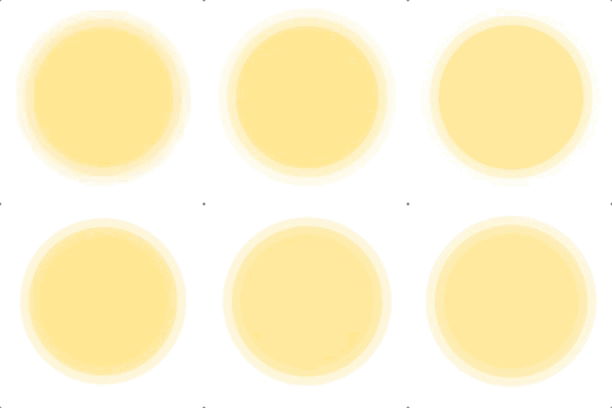
真是很有纪律性的变化啊~~好吧,只需要加入动画曲线就好了
... ... - (CAAnimationGroup *)animationGroupAnimations:(NSArray *)array index:(int)index { CAAnimationGroup *animationGroup = [CAAnimationGroup animation]; animationGroup.beginTime = CACurrentMediaTime() + (double)(index * animationDuration) / (double)pulsingCount; animationGroup.duration = animationDuration; animationGroup.repeatCount = HUGE; animationGroup.animations = array; animationGroup.removedOnCompletion = NO; // 添加动画曲线。关于其他的动画曲线,也可以自行尝试 animationGroup.timingFunction = [CAMediaTimingFunction functionWithName:kCAMediaTimingFunctionDefault]; return animationGroup;
} ... ... 复制代码
如果需要点扩散,那就设置 frame 极小,同时扩散倍数增大即可。
将动画View垫在另一个圆形View之下即可实现最上方的效果。关闭背景色,重调边框色和边框宽度即可实现第二种效果。
demo及代码 在这里。
个人的动画汇总帖在这里 动画实践系列。
欢迎交流意见 mervin1024@163.com.